How do I get a pet on my computer screen?
Install a desktop pet app. With Pets Therapy it takes about two minutes and costs nothing:
get it from the Microsoft Store or Steam on Windows, or the Mac App Store on a Mac, open it,
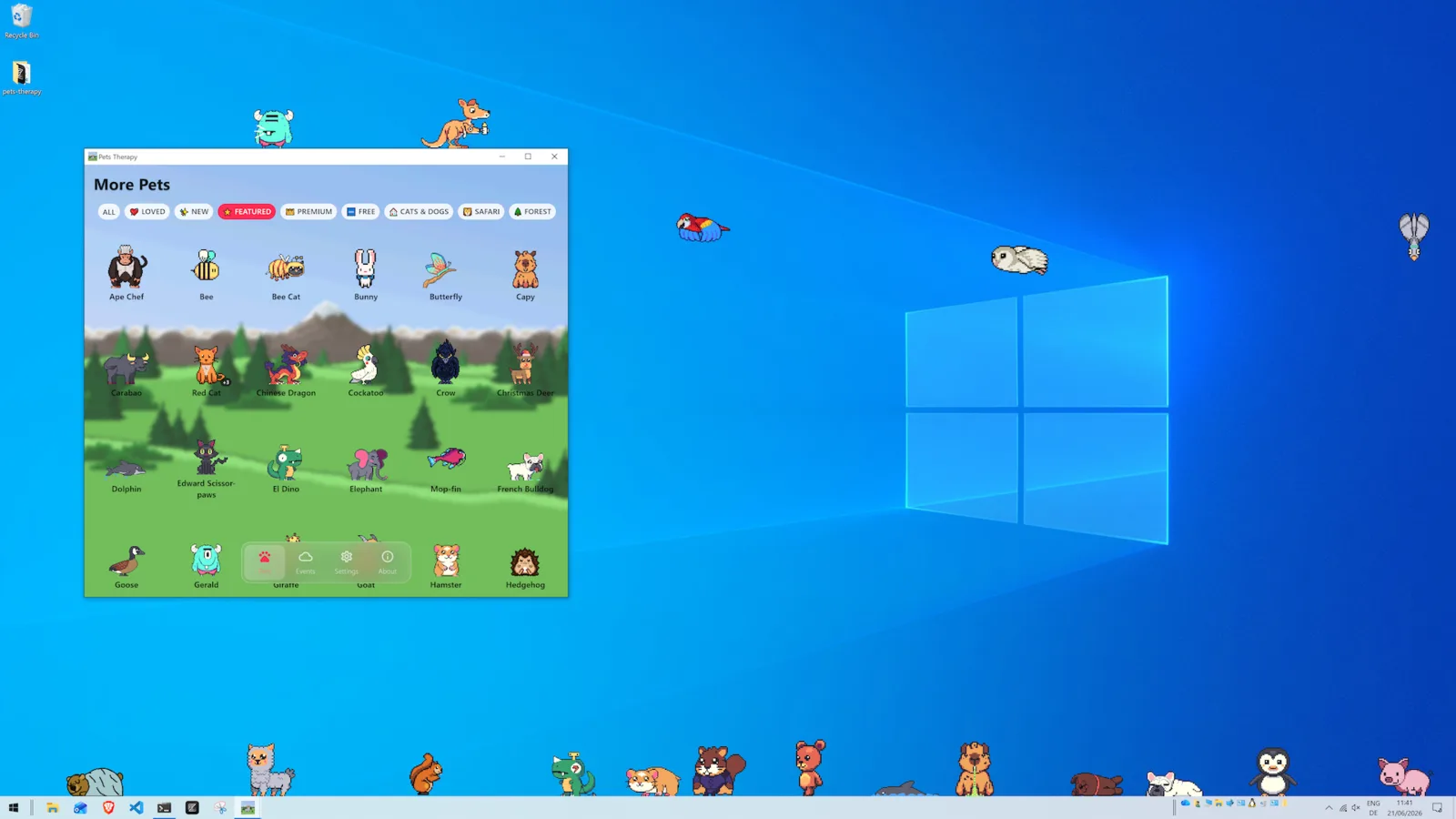
and animated pixel-art pets start walking on your screen, on top of your windows.
- Free: 37 pets free forever, no ads, no account, no trial.
- Official stores only: no random downloads or zip files from unknown sites.
- Windows 10 and 11, and macOS: including MacBook Air and MacBook Pro.
- They do things: walk, nap, eat, play with toys and chat with each other. You can drag them around.
By Cyril Cermak,
developer of Pets Therapy · Updated November 24, 2026
A desktop pet is a small animated character that lives on your computer screen. It walks along
the taskbar or the bottom of the screen, climbs onto window edges, falls when you drop it, and
stays on top of whatever you're working on. Here's how to get one, step by step.
How to get a desktop pet on Windows
Install Pets Therapy from the Microsoft Store or Steam, open it, and pick your pets. It works
on Windows 10 and Windows 11.
- Open the store. Open Pets Therapy on the Microsoft Store or on Steam.
- Install it. Click Get (Microsoft Store) or Play (Steam). It is free.
- Launch Pets Therapy. Your first pets drop onto the desktop straight away and start walking along the taskbar.
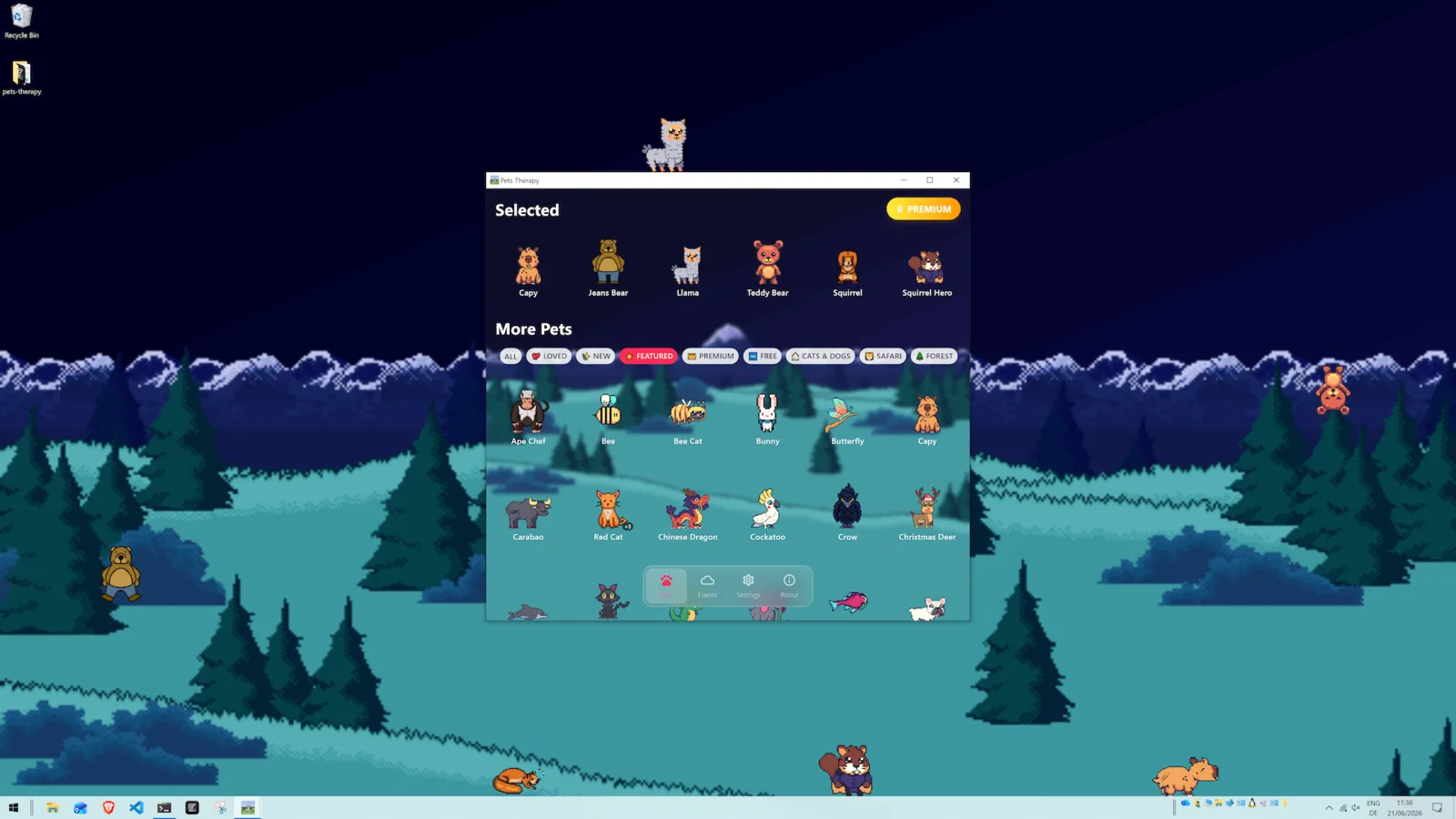
- Pick more pets. In the app window, scroll to More Pets, click a pet you like and press Select. It appears on your screen.
Both stores give you the same app, the same pets and the same updates, so pick whichever you
already use. More detail: desktop pets for Windows.
How to get a desktop pet on a Mac or MacBook
Install Pets Therapy from the Mac App Store, open it, and pick your pets. It's a native Mac app,
so there's nothing else to install (no Java, unlike Shimeji).
- Open the Mac App Store. Open Pets Therapy on the Mac App Store.
- Install it. Click Get. It is free and runs on Apple Silicon and Intel Macs, MacBook Air and MacBook Pro included.
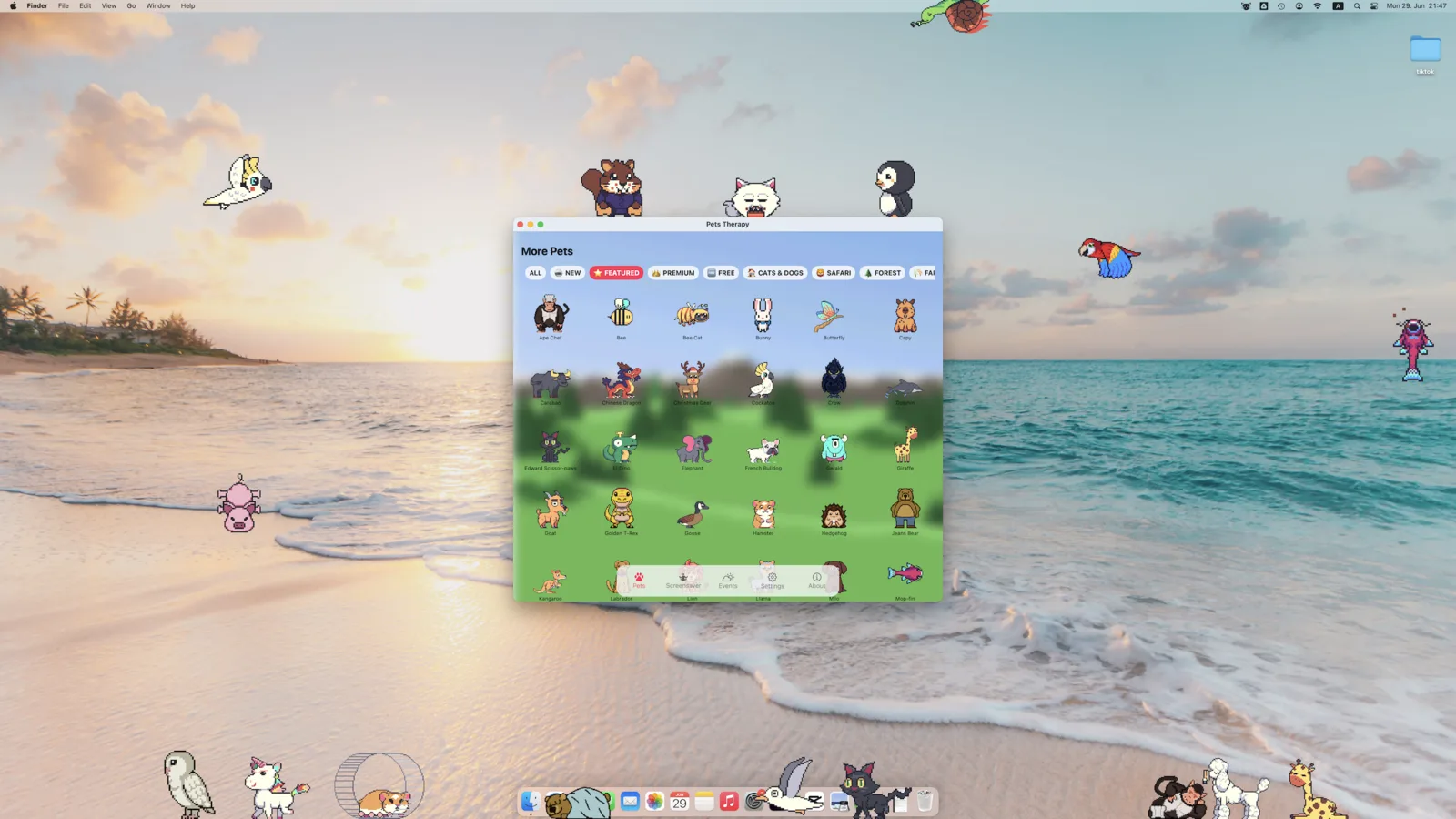
- Launch Pets Therapy. Your first pets drop onto the desktop and walk along the bottom of the screen, on top of your windows.
- Pick more pets. In the app window, under More Pets, click a pet and press Select.
To keep the pets with you over full-screen apps and the Dock, turn on
Settings → Float over fullscreen apps & Dock. More detail:
desktop pets for Mac.
How do I choose, add and remove pets?
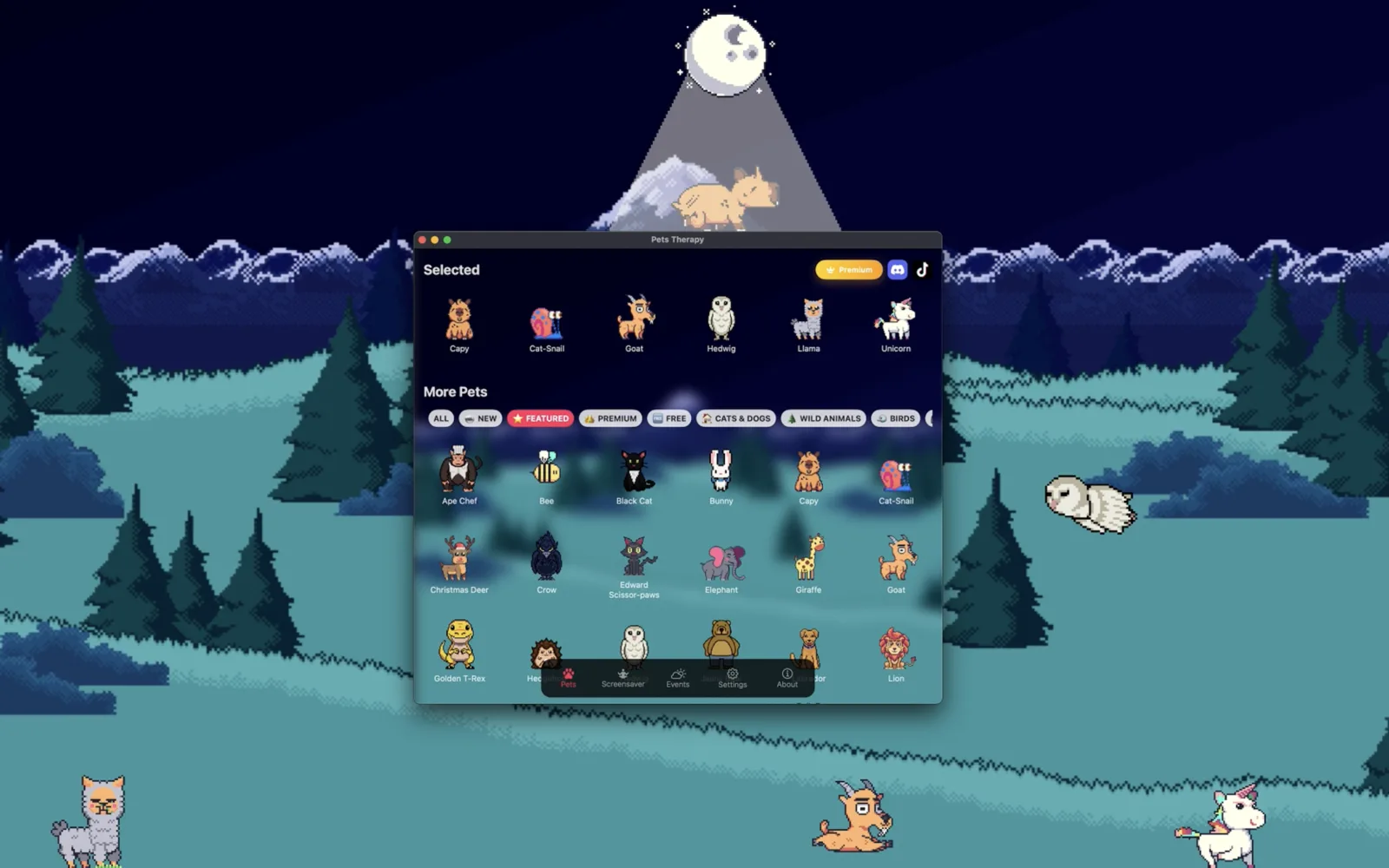
Everything happens in the Pets Therapy window: pets under Selected are on your
screen, pets under More Pets are waiting to be picked.
- Add a pet: click it under More Pets, then Select.
- Remove a pet: click it under Selected, then Remove.
- Colours: a pet with a +N badge comes in several colours. Click it to choose one.
- Categories: filter by cats & dogs, dinosaurs, birds and more, or see only the free ones.
Looking for something specific? There are 16 cats,
12 dogs and 100+ pets in total.
What can a desktop pet do?
- Walk and explore: along the taskbar or Dock, on window title bars and up screen edges.
- Get picked up: drag a pet anywhere and let go; it falls and lands.
- Eat, sleep and relax: right-click a pet, or drag its food onto it.
- Play: give it a toy and it plays a special animation.
- Chat: two pets that meet can stop for a conversation.
- Surprises: random events like weather, a UFO or a teleportation portal.
Is it free?
Yes. Pets Therapy is free to download with 37 pets free forever, plus feeding, toys and custom
pets. An optional subscription or one-time lifetime purchase adds more pets and events.
See what's free for the full list.
Can I get my own pet on my screen?
Yes. You can import your own pet as a ZIP of pixel-art frames. Many people make one from a photo
of their real cat or dog with an AI image tool.
Follow the step-by-step AI tutorial, or read how
custom pets work.
What about Linux, Chromebook, iPhone or Android?
Pets Therapy runs on Windows and macOS today. A Linux version is on the way. There's no
Chromebook, iPhone or Android version.
How do I get a desktop pet for free?
Install Pets Therapy from the Microsoft Store, Steam or the Mac App Store. It is free, with 37 pets free forever and no ads.
Are desktop pets safe?
Pets Therapy is installed from the official Microsoft Store, Steam or Mac App Store, which review the apps they list. Avoid desktop pet downloads from unknown websites.
Do desktop pets slow down my computer?
Pets Therapy is light: the pets are small pixel-art sprites. You can lower the number of pets at any time.
Can I have more than one pet?
Yes. Select as many as you like from More Pets, and they share the screen, even across several monitors.
How do I get rid of a desktop pet?
Click it under Selected in the app and press Remove, or quit the app to clear the screen.
What is a desktop pet called?
They are also called desktop buddies, screen mates, desktop companions or Shimeji, after an older Windows app.