By Cyril Cermak,
developer of Pets Therapy · Updated November 24, 2026
A Christmas wallpaper looks great until you open a window and it disappears behind it.
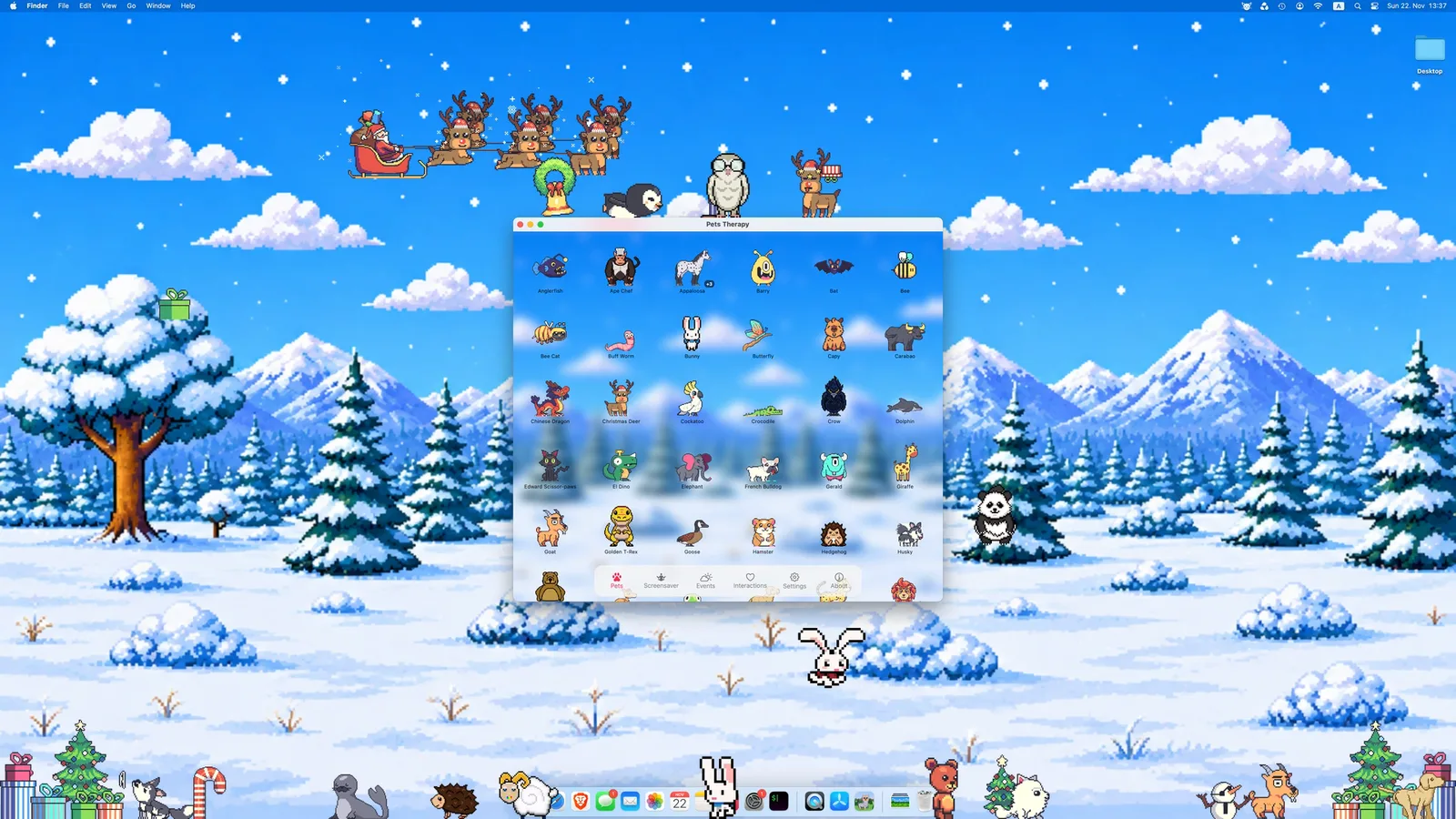
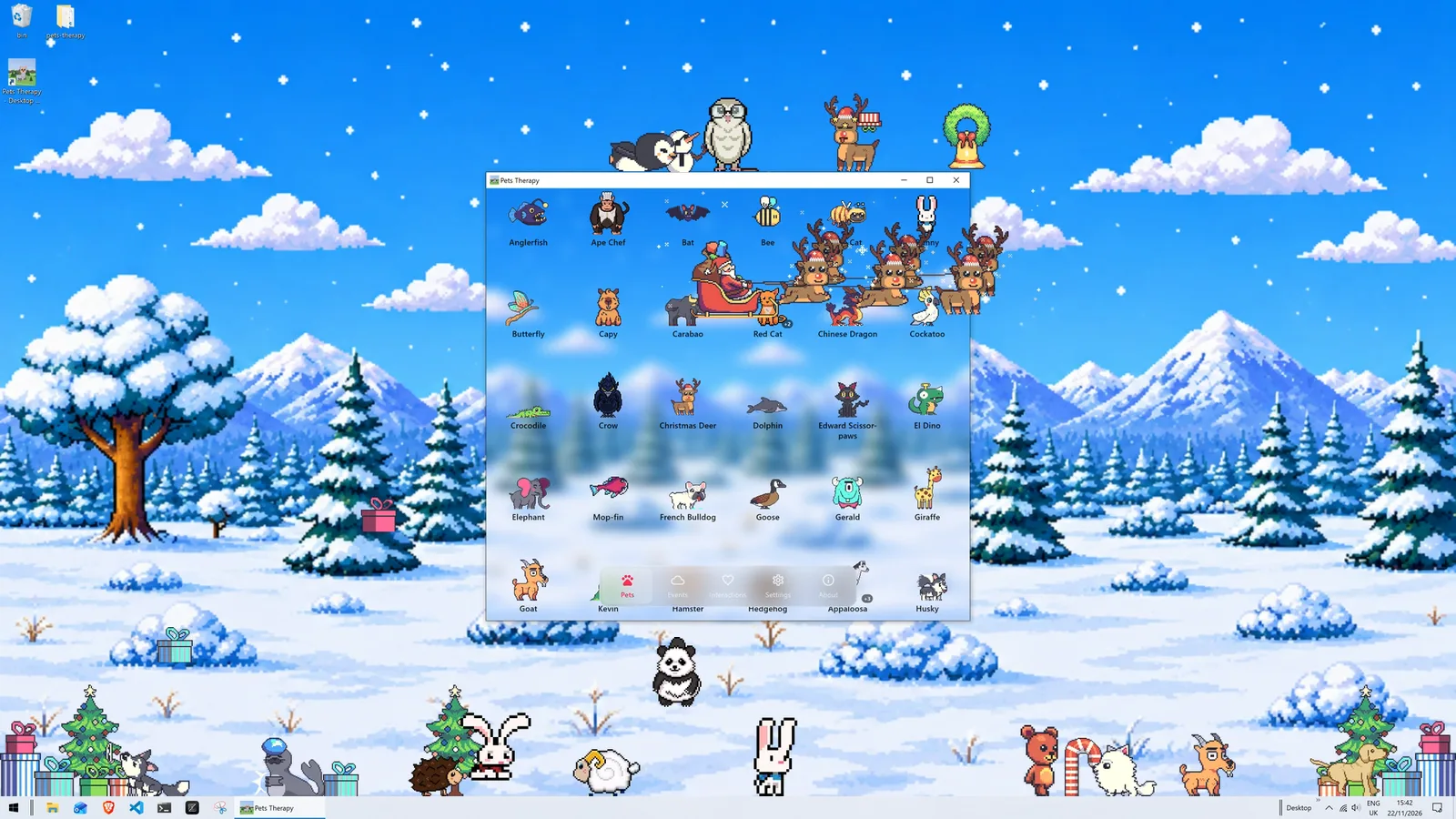
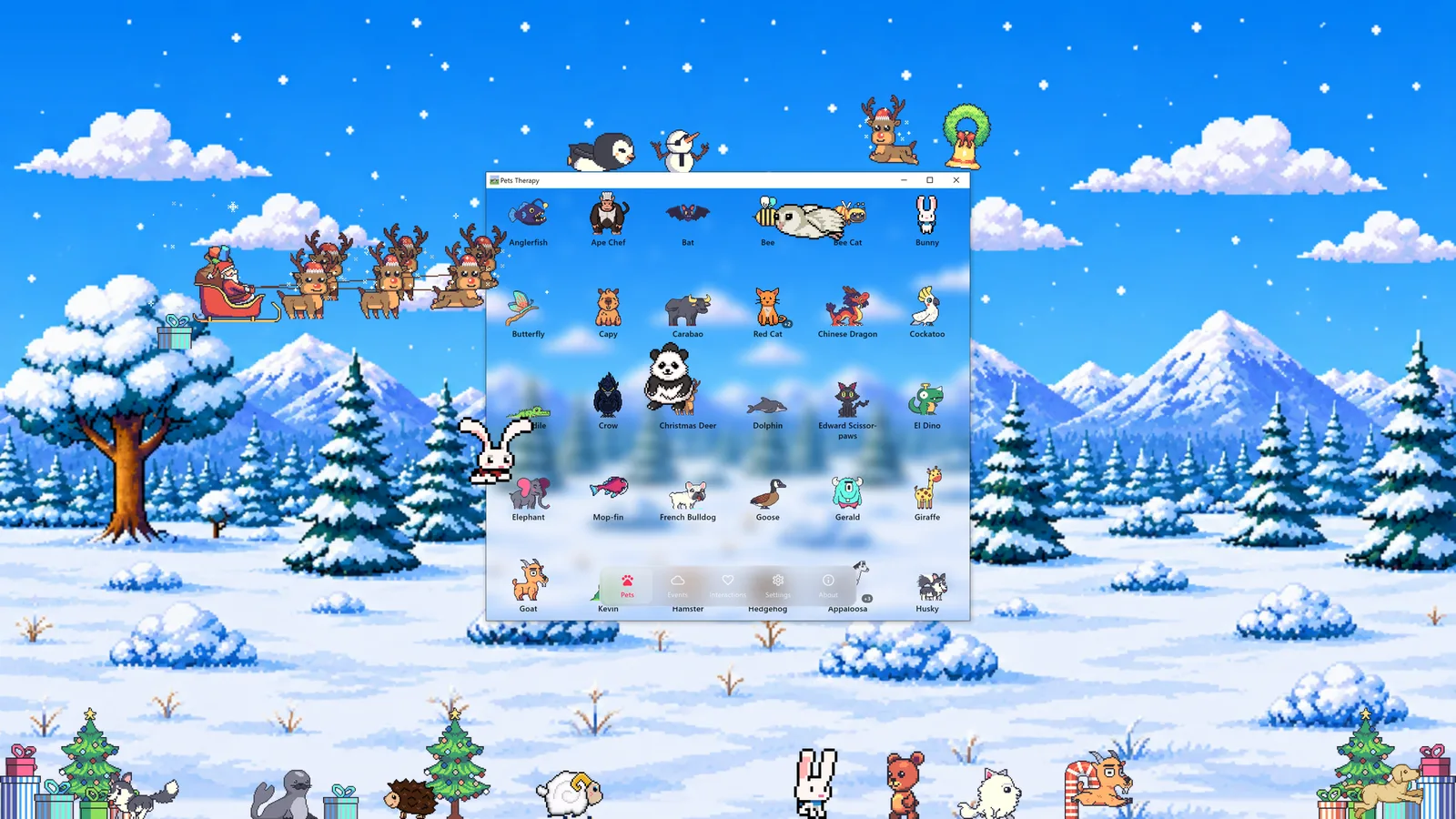
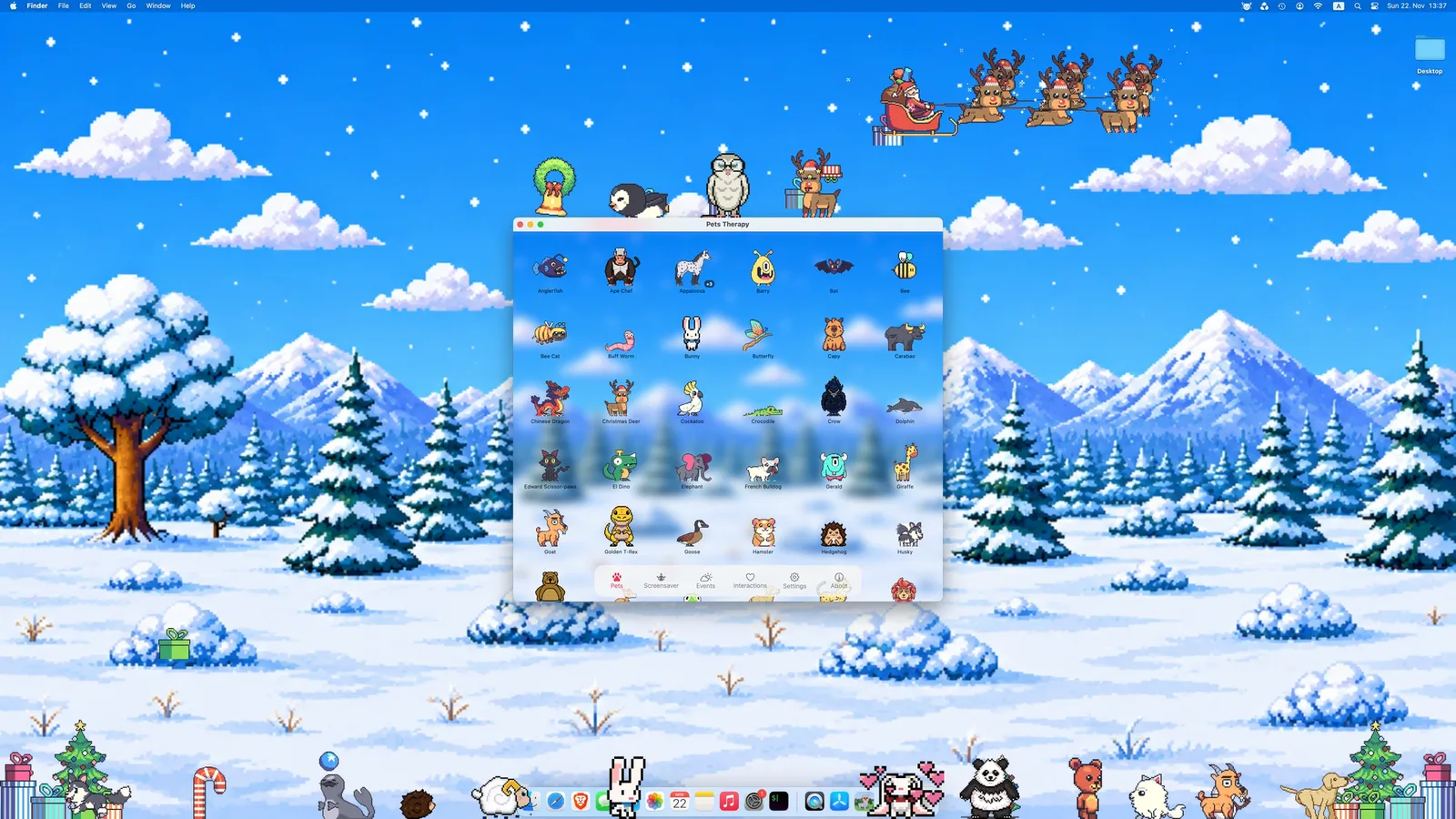
Pets Therapy's Christmas theme works the other way round: a snowman sits on top of your
browser, a tree blinks in the corner of the screen, and every couple of minutes Santa's
sleigh flies over and drops presents onto whatever you're working on.
What's in the Christmas theme?
Christmas trees, snowmen, gifts, candy canes, stockings, a wreath and a gingerbread man
on the ground, a blinking tree with a pile of presents in the bottom corners, Santa's
sleigh in the sky, and two holiday pets.
- 21 ground pieces: two starred trees, four snowmen, nine gifts, two candy canes, two stockings, a wreath and a gingerbread man. The default layout always includes at least one tree, one snowman, one candy cane and one gift.
- A corner scene: a blinking tree behind a pile of presents in both bottom corners, drawn behind your pets.
- Holiday pets: the Christmas Deer, in its Santa hat, and the Penguin walk around with your own pets.
Does Santa really fly across the screen?
Yes. Every couple of minutes Santa's sleigh, pulled by six galloping reindeer through
falling snow, crosses the top of your screen.
On the way it drops three to five presents. They fall under gravity, land on the window
below or the bottom of the screen, and fade away a few seconds later, so they never
pile up. The sleigh turns round when it flies right to left.
Is it an animated Christmas wallpaper?
It's better paired with one. A wallpaper sits behind your windows; the Christmas theme
sits on top of them, so you keep whatever wallpaper you like and the snowmen stay
visible while you work.
| Christmas wallpaper | Pets Therapy Christmas theme |
|---|
| Where it lives | Behind your windows | On top of your windows and desktop |
| Visible while you work | Only where no window covers it | Yes, on window edges, in the bottom corners and along the bottom of the screen |
| Animated | Only if it's a live or video wallpaper | Yes: blinking trees, Santa's sleigh, falling presents |
| Interactive | No | Drag pieces around, add or remove them |
| Comes down after the holidays | When you remember to change it | By itself after January 6 |
| Platforms | Depends on the app | Mac and Windows |
For scenes that follow day and night, see
live wallpapers and the Mac screensaver.
What else does it do?
- Gifts on new windows: bring a window to the front and there's a chance a present or a snowman appears on its top edge. It fades away when the window moves or closes.
- Knocked over by events: when a bus, a tornado or a shark sweeps across the screen, it sends snowmen flying. They drop back in a moment later.
- Every screen: each monitor gets its own decorations and its own saved layout.
- With your pets: they keep walking, eating and chatting between the trees. Try feeding the Christmas Deer.
How do I arrange the Christmas decorations?
Click the 🎄 Christmas button next to the More Pets heading in
the app to open the decorations picker.
- Add or remove trees, snowmen and gifts with + and −, or drag one straight onto your desktop.
- Drag pieces that are already on the desktop to put them where you want.
- Under Corner decorations, switch the tree-and-presents scene off in either bottom corner.
- Remove all clears the screen; Restore default brings back the original mix.
Your layout is saved per screen, so next December starts the way you left it.
Right-click any piece and choose Remove decoration to take off just that one.
Can I keep the Christmas theme after January 6?
Yes. Open Settings → Theme decorations and choose Christmas to keep
it on any time of the year. Seasonal (automatic) goes back to December 1 – January 6.
How do I turn the Christmas decorations off?
Click Hide Christmas decorations in the menu bar (Mac) or the system tray (Windows). They disappear instantly and stay hidden for the rest of the season.
The same switch is at the top of the decorations picker, and the same menu item brings
them back. Your pets don't drop in again when you toggle it.
Looking for something spookier? See the free Halloween theme,
or all seasonal themes.
Is the Christmas theme free?
Yes, on Mac and Windows, with no subscription, account or ads.
When does the Christmas theme start?
Automatically on December 1, and it comes down by itself after January 6. You can also turn it on any time in Settings → Theme decorations.
Do I need to set anything up?
No. Install Pets Therapy and the Christmas decorations appear on December 1.
Will it cover my work?
The pieces are small and sit on window edges, in the bottom corners and along the bottom of the screen. You can remove any piece, switch off the corner scene, or hide everything from the menu bar or tray.
Does it slow down my computer?
No more than the pets do. The decorations are small pixel-art sprites, not a full-screen video wallpaper.
Does it work with multiple monitors?
Yes. Every enabled screen gets its own decorations, and each one remembers its own layout.
Are the decorations made with AI?
No. Every tree, snowman, gift and reindeer is hand-drawn by our designers, pixel by pixel.