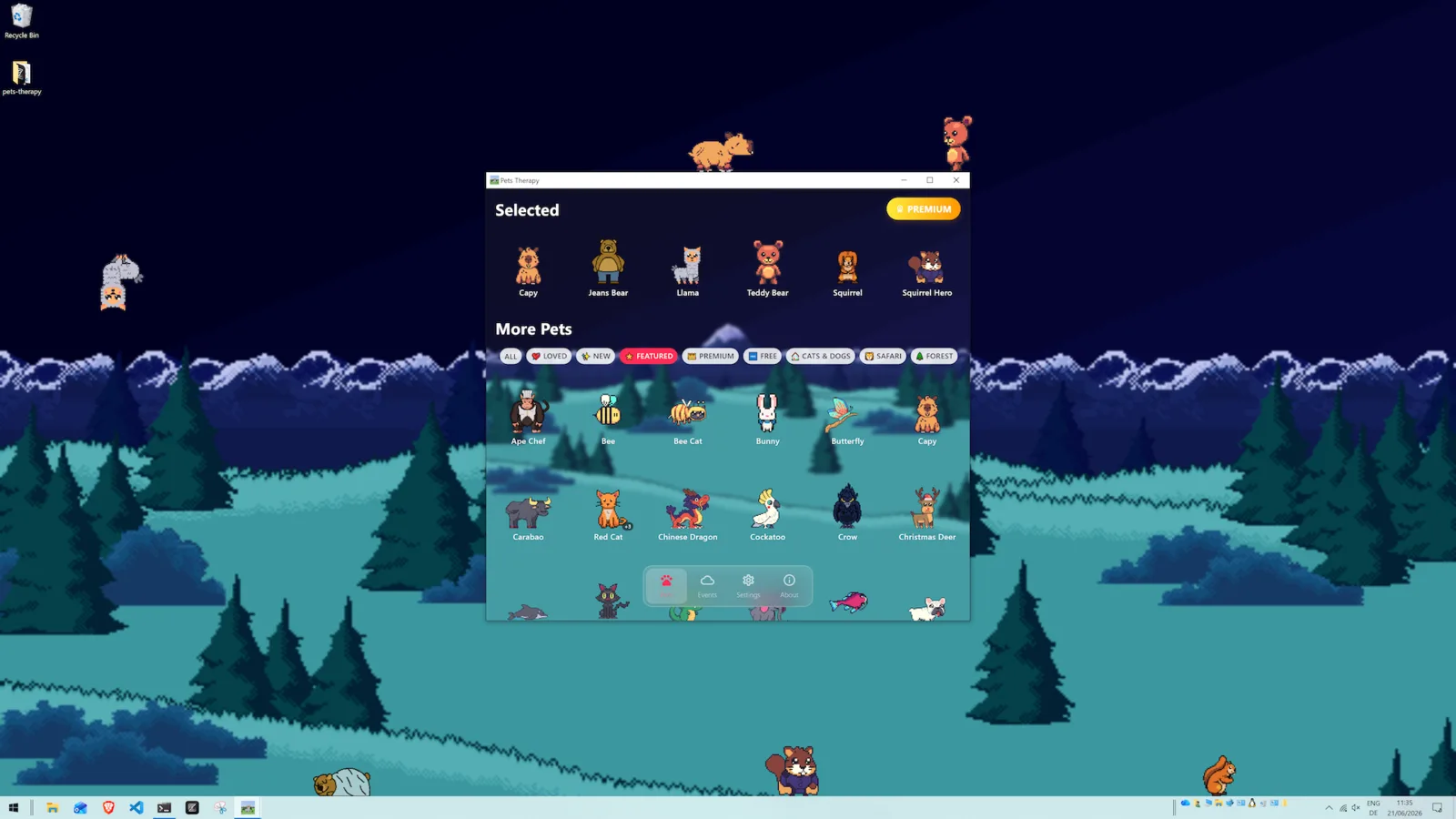
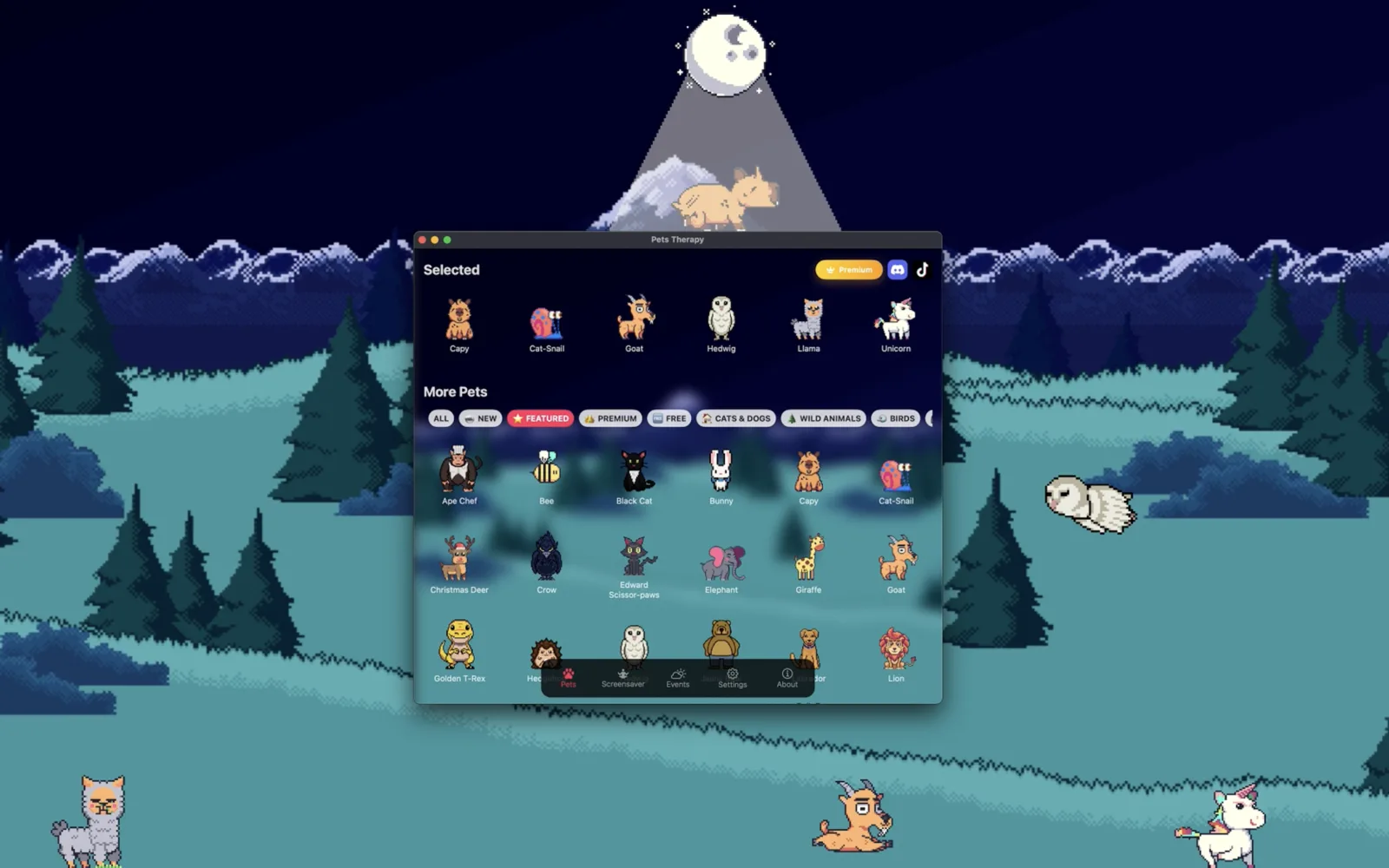
Is there a free desktop dog for Windows and Mac?
Yes. Pets Therapy has 12 hand-drawn pixel-art dogs that walk on your screen, on top of your
windows, and 4 of them are free forever: the Shiba Inu, the Labrador, Milo and the German Shepherd.
It runs on Windows 10 and 11 and on macOS.
- 12 dogs: Shiba, Husky, three Labradors, Poodle, French Bulldog, two Pomeranians, a Sausage Dog, a German Shepherd and Milo.
- Their own tricks: the Husky howls, the Labradors play fetch, the Pomeranians do backflips.
- They live like dogs: walk, nap, eat and come along wherever you drag them.
- Hand-drawn: every frame drawn by our designers. No AI.
By Cyril Cermak,
developer of Pets Therapy · Updated November 24, 2026
A desktop dog is a small animated dog that lives on your computer screen. It trots along the
taskbar, naps on top of your windows and shows off its trick when you least expect it. Pets
Therapy has a dozen breeds to choose from.
Which dogs are there?
Twelve breeds and characters, each with its own animations. Four are free forever.
The Labradors and Pomeranians sit together as one tile with a +N badge; click it
to pick a colour. "Supporter" dogs come with the optional subscription or lifetime purchase.
What does a desktop dog do?
- Walks: along the taskbar or the bottom of your screen, and onto window title bars.
- Shows off: most breeds have their own trick: howling, fetching, backflips, climbing, reading or a wink.
- Naps and eats: right-click for Sleep or Eat, or drag its food onto it.
- Plays: each trick is a toy: drop it on the dog to set it off.
- Gets carried: drag it anywhere and let go.
- Gets love: double-click for a burst of hearts.
- Chats: two dogs that meet stop for a chat.
Can I put my own dog on my desktop?
Yes. Turn a photo of your dog into a pixel-art pet with an AI image tool and import it into
Pets Therapy as a ZIP. One imported pet is included free.
The AI custom pet tutorial walks you through it with copy-paste prompts.
How do I get a dog on my screen?
- Install Pets Therapy. Free from the Microsoft Store or Steam (Windows), or the Mac App Store.
- Find your dog. Under More Pets, filter by Cats & Dogs and click a dog.
- Select it. Press Select. Your dog drops onto the screen.
Cat person too? See the desktop cats. Full step-by-step guide:
how to get a desktop pet.
Is the desktop dog free?
Yes. Four dogs are free forever: the Shiba Inu, the Labrador Classic, Milo and the German Shepherd. The others come with the optional upgrade.
Does it work on Windows 11 and Mac?
Yes, on Windows 10 and 11 from the Microsoft Store or Steam, and on macOS from the Mac App Store.
Which dog breeds are there?
Shiba Inu, Husky, Labrador (classic, gold and black), Poodle, French Bulldog, Pomeranian (white and brown), Sausage Dog, German Shepherd and Milo.
Can I have a dog and a cat together?
Yes. Pick as many pets as you like; dogs, cats and every other pet share the screen.
Can I feed my desktop dog?
Yes. Drag its food from the Pets Interactions window onto it, or right-click it and choose Eat.
Are the dogs made with AI?
No. Every dog is hand-drawn by our designers, pixel by pixel.