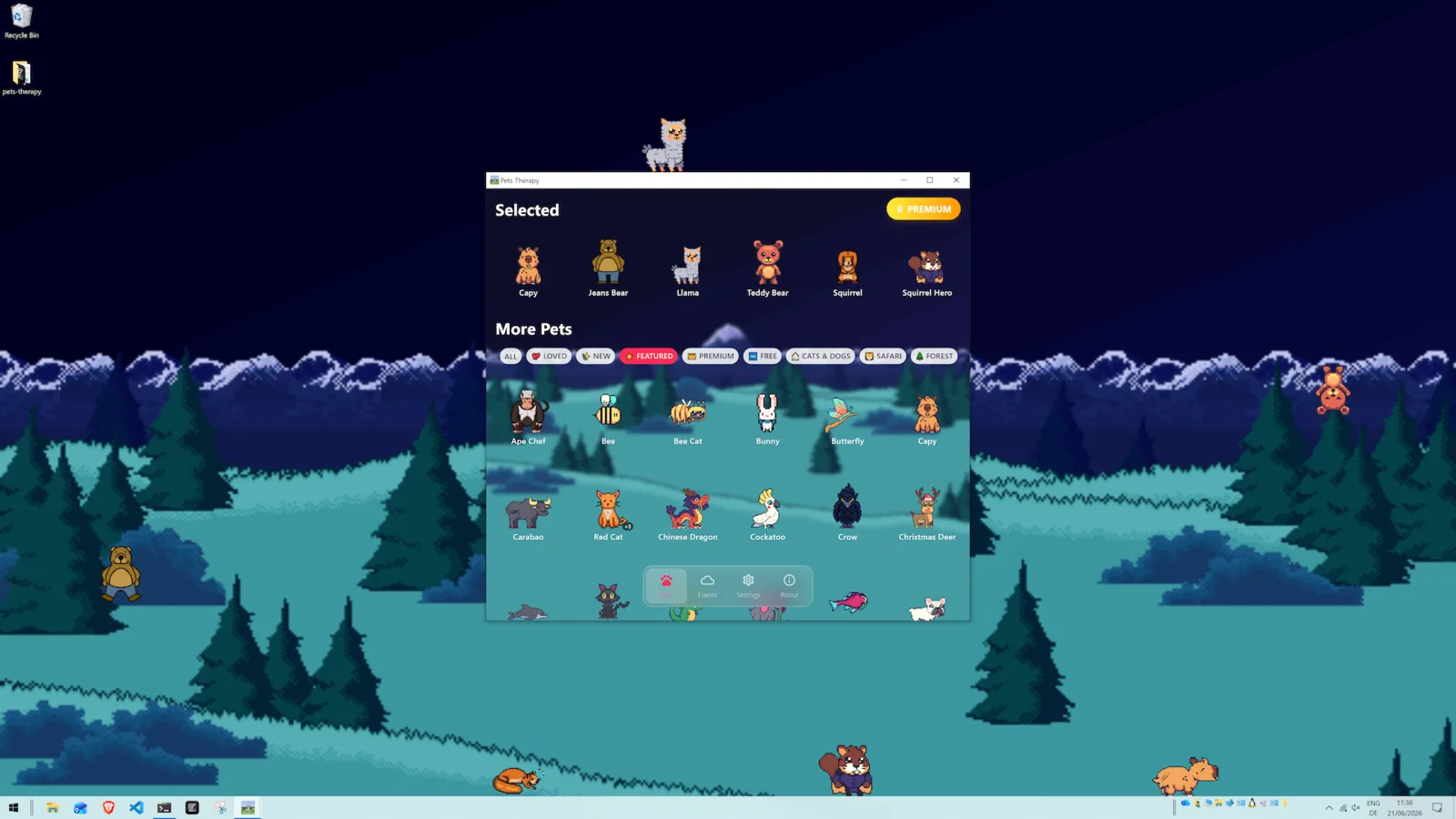
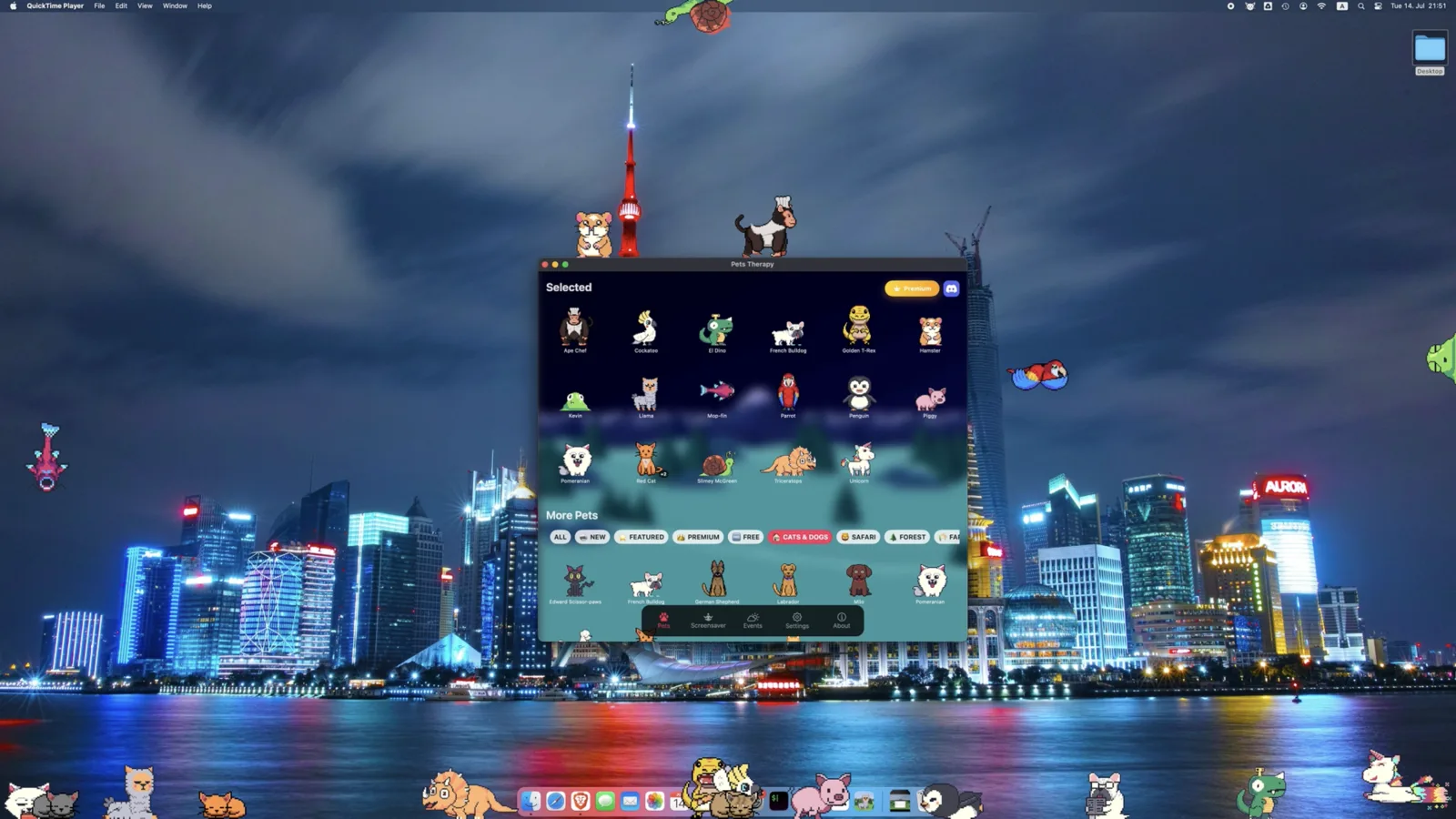
Is there a free desktop cat for Windows and Mac?
Yes. Pets Therapy has 16 hand-drawn pixel-art cats that walk on your screen, on top of your
windows, and 9 of them are free forever. It runs on Windows 10 and 11 and on macOS, MacBooks included.
- 16 cats: 14 colours of the same cat, plus Floppa and Edward Scissor-paws.
- 9 free: red, blue, cyan, green, indigo, pinky, purple, strawberry and yellow.
- They live like cats: walk, sit, nap, eat cat food and play with toys.
- Hand-drawn: every frame drawn by our designers. No AI.
By Cyril Cermak,
developer of Pets Therapy · Updated November 24, 2026
A desktop cat is a tiny animated cat that lives on your computer screen. It strolls along the
taskbar, sits on top of your browser window, curls up for a nap and lets you pick it up by the
scruff. Pets Therapy has a whole litter of them.
Which cats are there?
Sixteen. The main cat comes in 14 colours, and two characters have their own animations: Floppa
and Edward Scissor-paws.
In the app, the coloured cats sit together as one tile with a +N badge. Click it to
pick a colour, or select several and have a whole gang. "Supporter" cats come with the optional
subscription or lifetime purchase.
What does the desktop cat do?
- Walks and sits: along the taskbar or the bottom of your screen, and on window title bars.
- Naps: right-click and choose Sleep, or let it doze off by itself.
- Eats: drag its food onto it from the Pets Interactions window, or right-click → Eat.
- Plays: the coloured cats have four toys: a hammer, a helmet, a heart and a phone. Drop one on a cat to watch it play.
- Gets carried: drag it anywhere on the screen and let go.
- Gets love: double-click it for a burst of hearts.
- Chats: two cats that meet stop for a chat in speech bubbles.
Can I put my own cat on my desktop?
Yes. Make a pixel-art version of your own cat from a photo with an AI image tool, and import it
into Pets Therapy as a ZIP.
The AI custom pet tutorial has copy-paste prompts for every step,
including one that has your AI package the finished pet. One imported pet is included free.
How do I get a cat on my screen?
- Install Pets Therapy. Free from the Microsoft Store or Steam (Windows), or the Mac App Store.
- Open the cat tile. Under More Pets, click the cat (filter by Cats & Dogs to find it fast).
- Pick a colour. Choose one of the colours and press Select. Your cat drops onto the screen.
Prefer dogs? See the desktop dogs. Full step-by-step guide:
how to get a desktop pet.
Is the desktop cat free?
Yes. Nine of the sixteen cats are free forever: red, blue, cyan, green, indigo, pinky, purple, strawberry and yellow. The others come with the optional upgrade.
Does it work on Windows 11?
Yes, on Windows 10 and 11 from the Microsoft Store or Steam, and on macOS from the Mac App Store.
Can I have several cats at once?
Yes. Select as many cats as you like, in any colours, and they share the screen with your other pets.
Can I feed my desktop cat?
Yes. Drag cat food from the Pets Interactions window onto your cat, or right-click it and choose Eat.
Is there a black cat?
Yes, the Black Cat, plus a white, grey and calico cat, a Grumpy Cat and Floppa.
Are the cats made with AI?
No. Every cat is hand-drawn by our designers, pixel by pixel.