
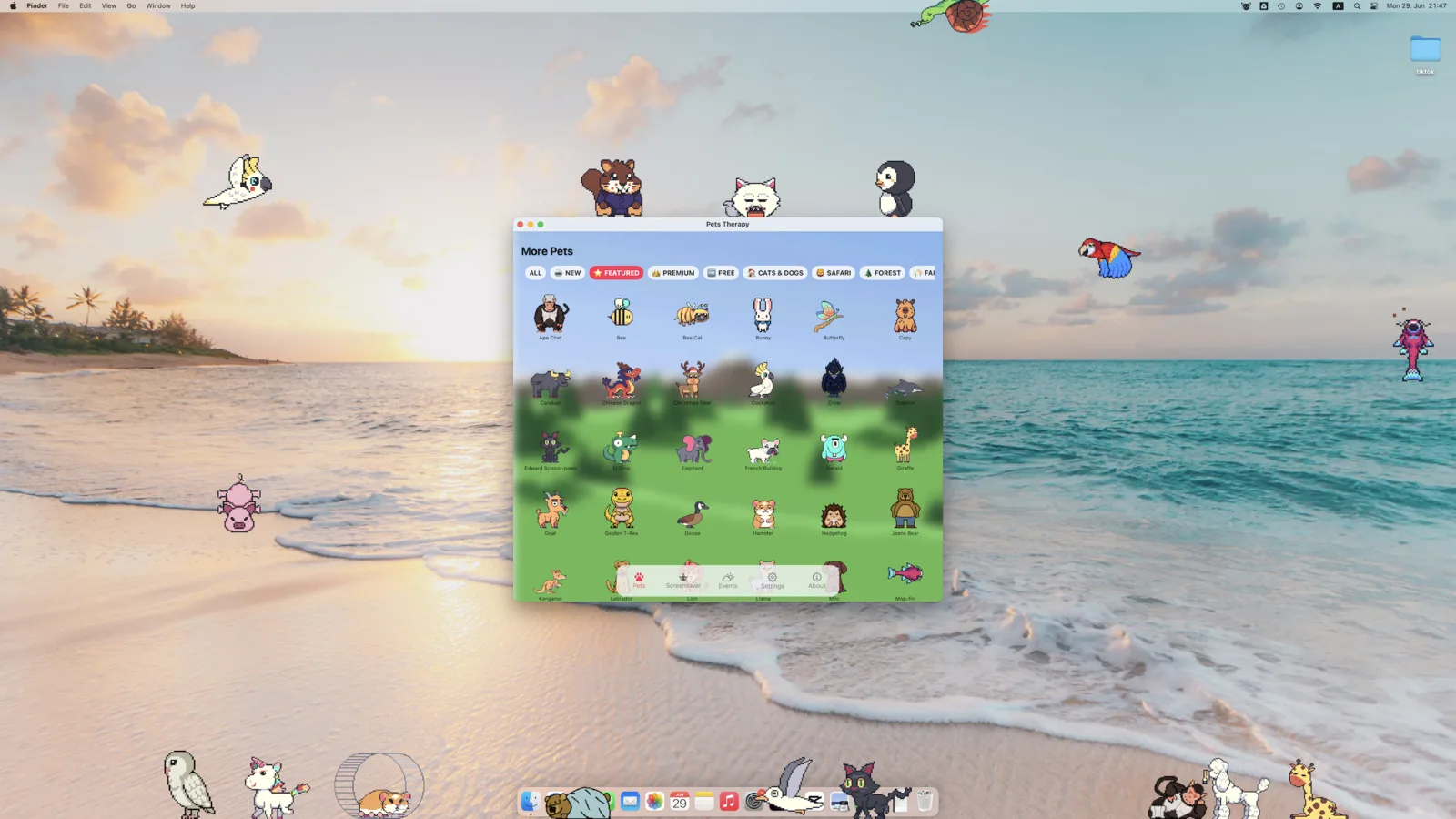
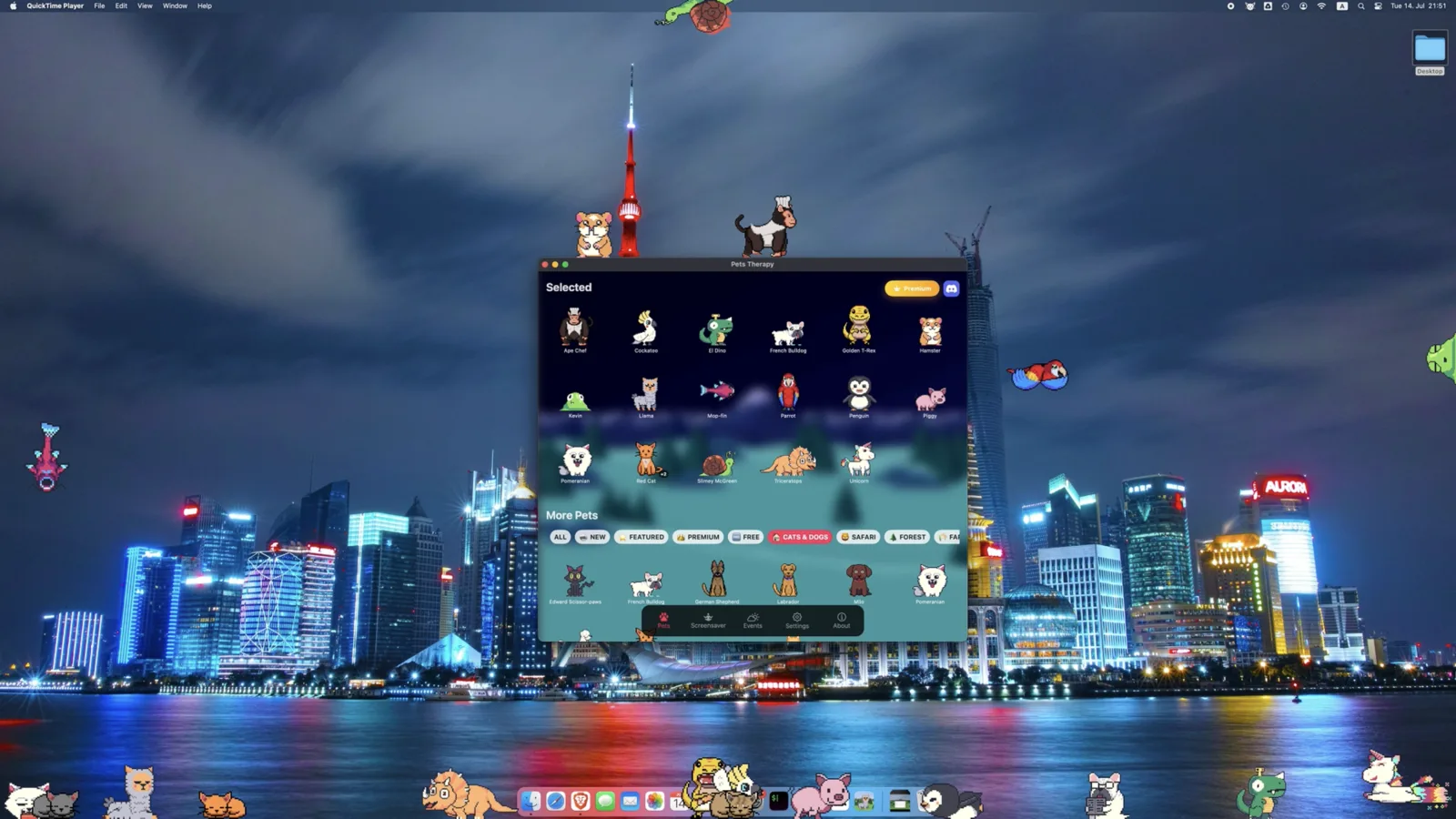
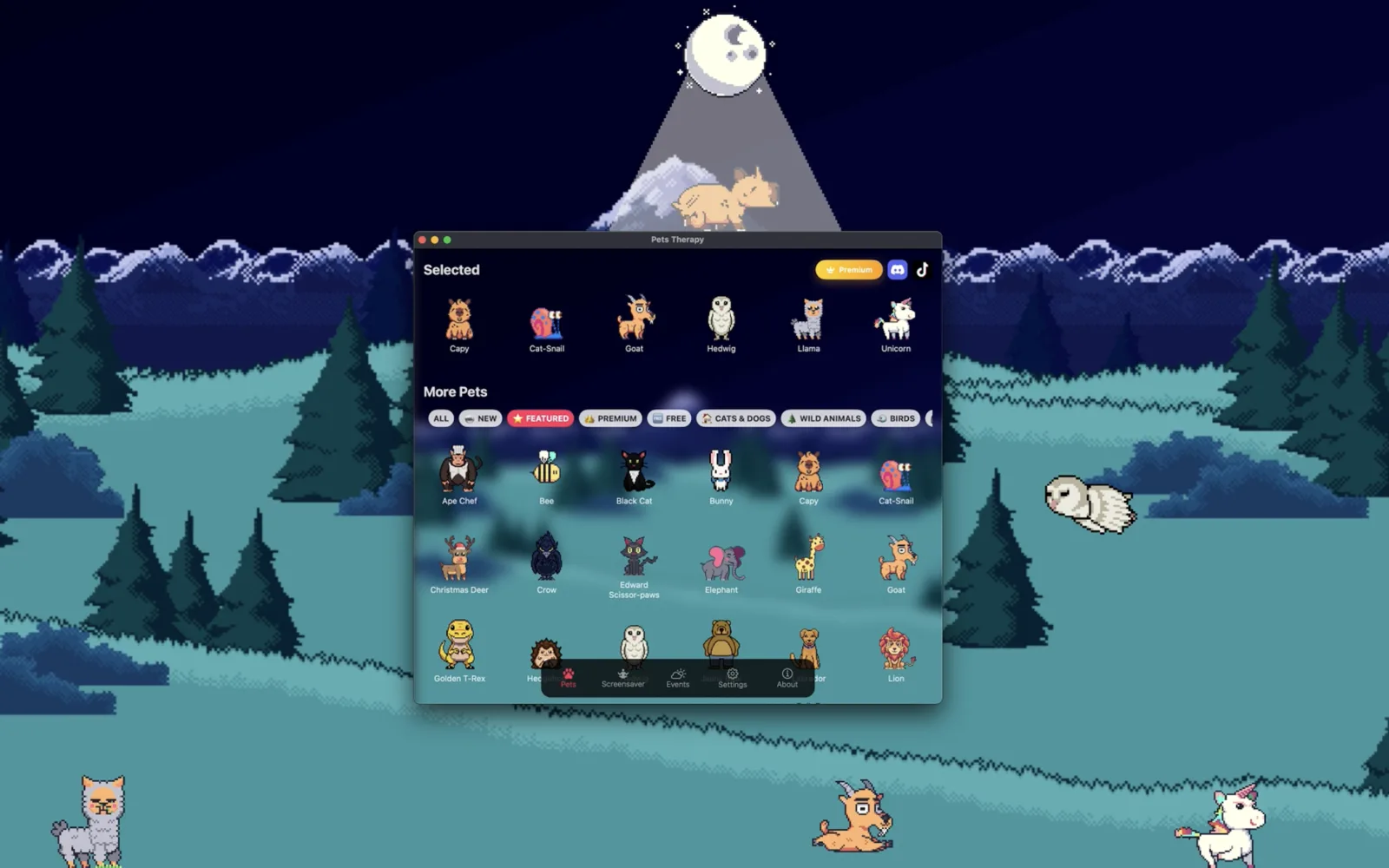
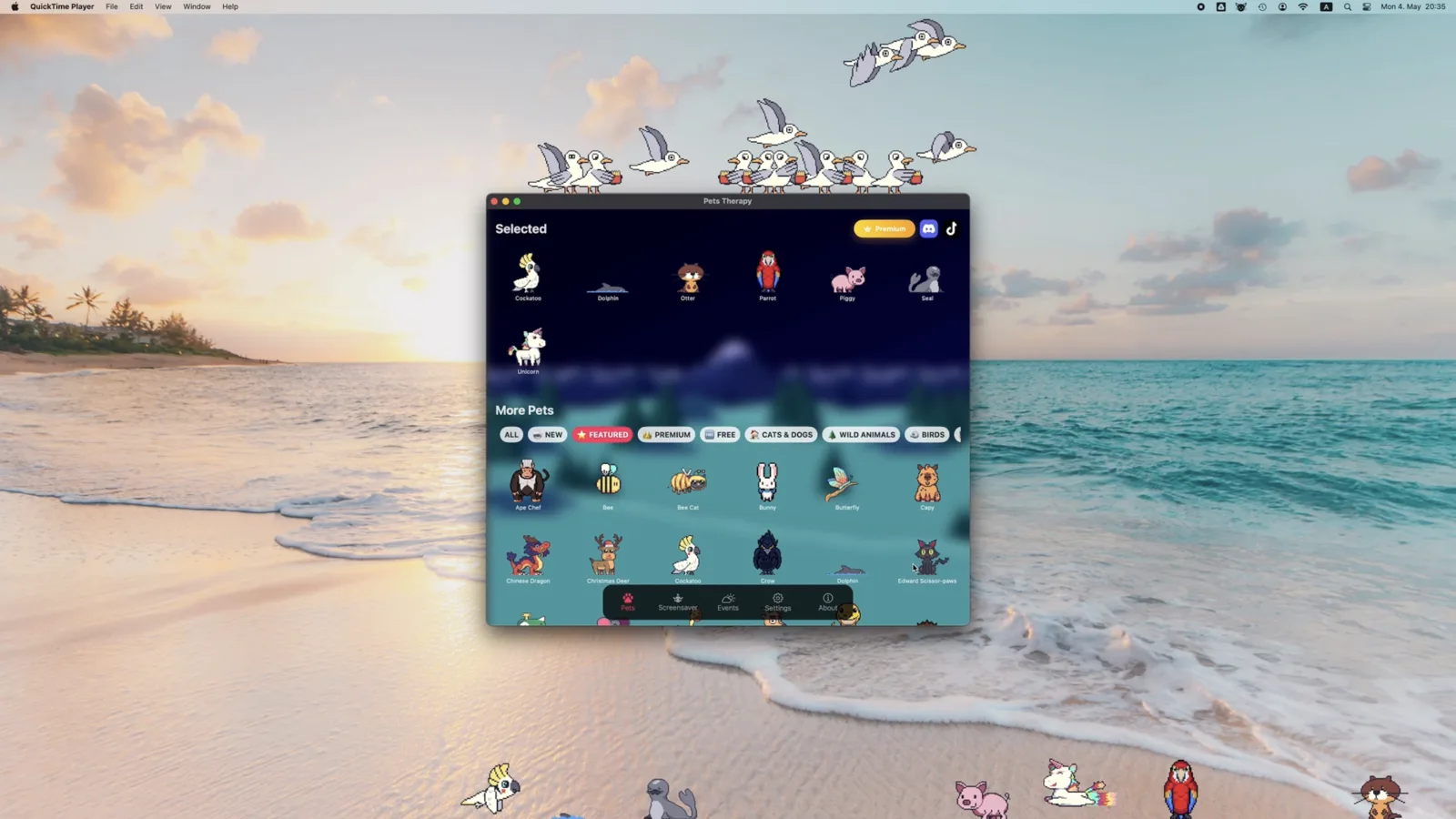
Desktop pets — little animated buddies that live on your screen — are one of the nicest ways to make your Mac feel more personal. This page covers the best way to get them on macOS, what to expect, and answers the common questions.
Why Pets Therapy on Mac
- Rated 4.8/5 across 3,600+ Mac App Store ratings worldwide.
- 100+ pets included — 37 of them free forever: cats, dinosaurs, apes, dogs, birds, fish and more, all with real animations.
- Native on Apple Silicon and Intel — smooth and lightweight, no Java or workarounds.
- Custom pets — design and import your own characters, with full export/import support on macOS.
- Pets sit on your windows — animals walk along window borders and birds land on them.
- Free on the Mac App Store — sandboxed, notarized, and auto-updated.
Feed them, play with them, earn achievements
Your pets aren't just animations. Drag food onto any of the 87 pets that have their own, hand them one of 132 toys, or right-click to have them eat, sleep, relax or cuddle — all free. When two pets meet they stop for a conversation.
On the Mac there's also a set of six achievements and a distance leaderboard built on Game Center. It works fully offline and signed out, never asks you to log in, and never draws anything over your desktop. More: desktop Tamagotchi for Mac.
How to install desktop pets on your Mac
- Open the Pets Therapy listing on the Mac App Store.
- Click Get / Install.
- Launch the app — your first pet appears on the desktop immediately.
- Use the menu-bar icon to add more pets, adjust size and speed, or create your own.
What's free on Mac
"Free" here means free, not a trial — there's no countdown, no ads and no account. Specifically, at no cost you get:
- 37 pets, each with its own walk, idle and sleep animations.
- Unlimited custom pets — import your own sprites; this isn't behind a paid tier.
- Multi-monitor support across every display you enable.
- 3 random events (weather, UFO, teleportation portals).
- Full size, speed and behaviour controls, in all 19 languages.
An optional subscription or one-time lifetime purchase adds 66 more pets, many more random events and automatic pet rotation — but nothing free is ever removed. Full breakdown on the free desktop pets page.
Looking for Shimeji on Mac?
Shimeji is Java-based and clunky on modern macOS. Pets Therapy gives you the same "cute characters living on my desktop" feeling as a native Mac app, with 100+ built-in pets and custom-pet support. See our full Shimeji alternatives guide and the best desktop pets apps comparison.
FAQ
Are there free desktop pets for Mac?
Yes, and not just as a trial. 37 pets are free forever, along with unlimited custom pets, multi-monitor support and 3 random events — no time limit, no ads, no account. The optional upgrade adds 66 more pets, many more events and automatic pet rotation. See the full free breakdown.
Do desktop pets slow down my Mac?
They use a small amount of resources while animating, but Pets Therapy is designed to stay lightweight during normal use. You can reduce the number of active pets any time from the menu bar.
Which macOS versions are supported?
Pets Therapy supports recent versions of macOS on both Apple Silicon and Intel Macs. Check the Mac App Store listing for the exact minimum version.