FurEver Dock vs. Pets Therapy
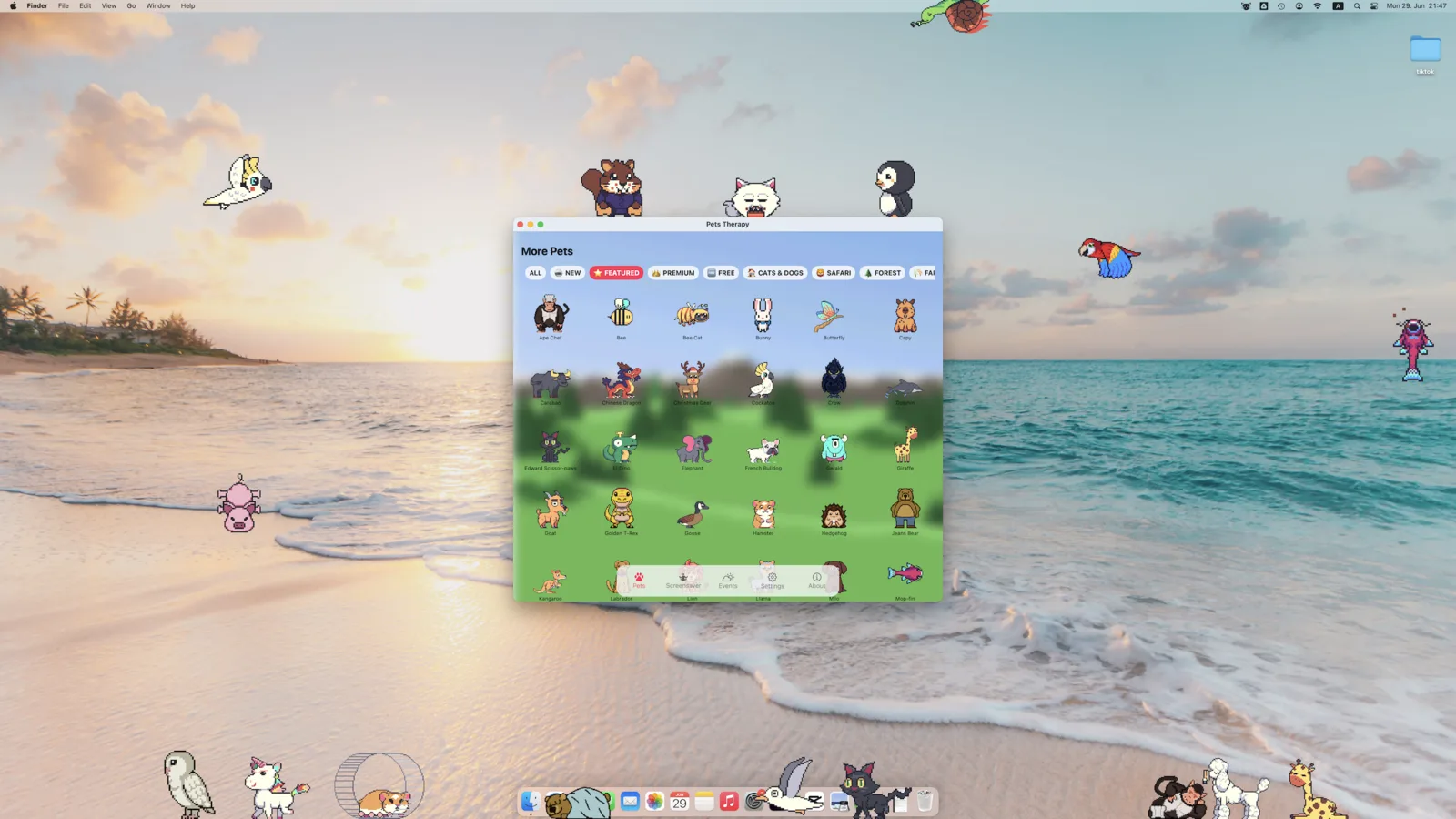
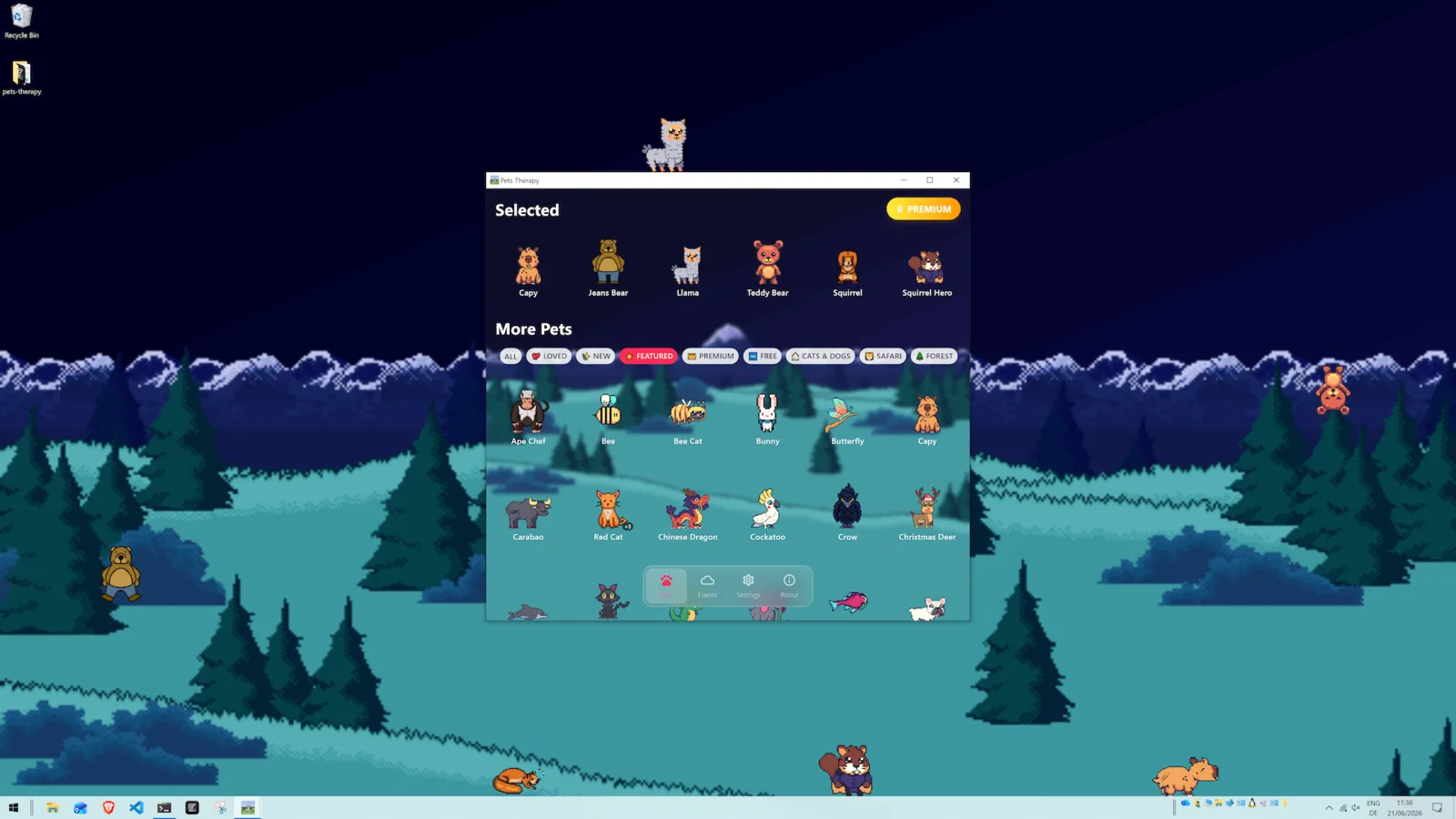
FurEver Dock is built around turning a photo of your pet into a desktop companion with AI. Pets Therapy is built around a big library of hand-drawn pets you can look after, and also lets you add your own.
| FurEver Dock | Pets Therapy | |
|---|---|---|
| Platforms | Mac and Windows | Mac and Windows |
| Your own pet from a photo | Yes, generated in the app with AI (may be paid) | Yes: make it with your own AI tool and import it; one custom pet free |
| Ready-made pets | A selection you can adopt for free | 100+ hand-drawn pets, 37 free forever |
| Feeding and toys | See their site | Yes: species-specific food and 130+ toys |
| Pets talk to each other | See their site | Yes |
| Where to get it | fureverdock.com | Mac App Store, Microsoft Store, Steam |
FurEver Dock details come from its website as of November 2026, and pricing can change; check fureverdock.com for the latest.
How do I put my own pet on the desktop with Pets Therapy?
Make a few pixel-art frames of your pet with an AI image tool (ChatGPT, Gemini or similar), pack them into a ZIP and import it from the app's About page.
- Take a clear photo. Of your cat, dog or any pet, side-on if you can.
- Generate the frames. Use the copy-paste prompts in the AI custom pet tutorial. A pet needs as few as three animations: front, walk and drag.
- Let your AI package it. One prompt has your AI name and zip the frames into the format Pets Therapy expects.
- Import the ZIP. In Pets Therapy, open About and import it. Your pet walks onto the screen.
The app checks the ZIP and lists anything missing, with a hint for each fix. More on custom pets.