
Which themes are there?
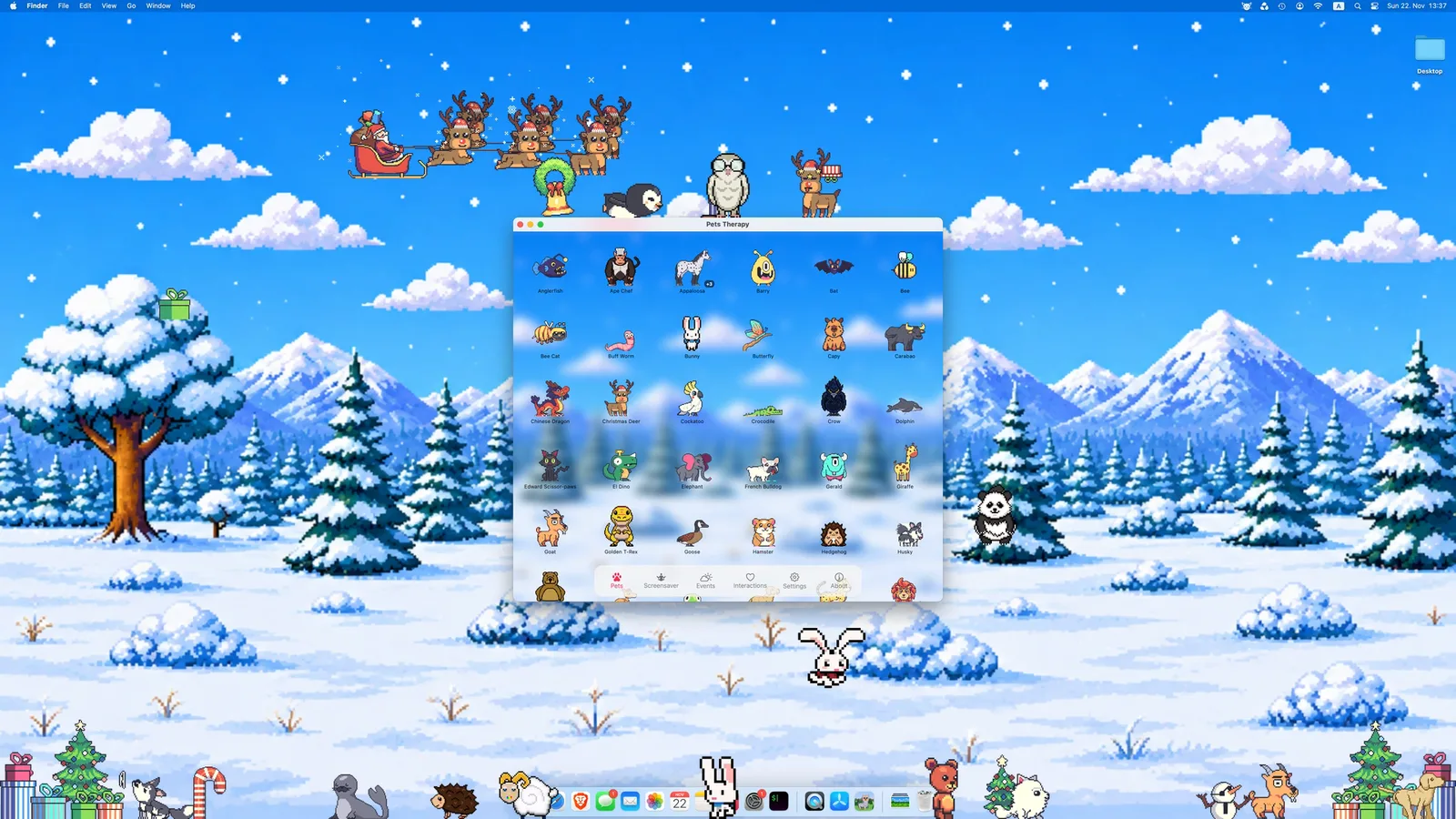
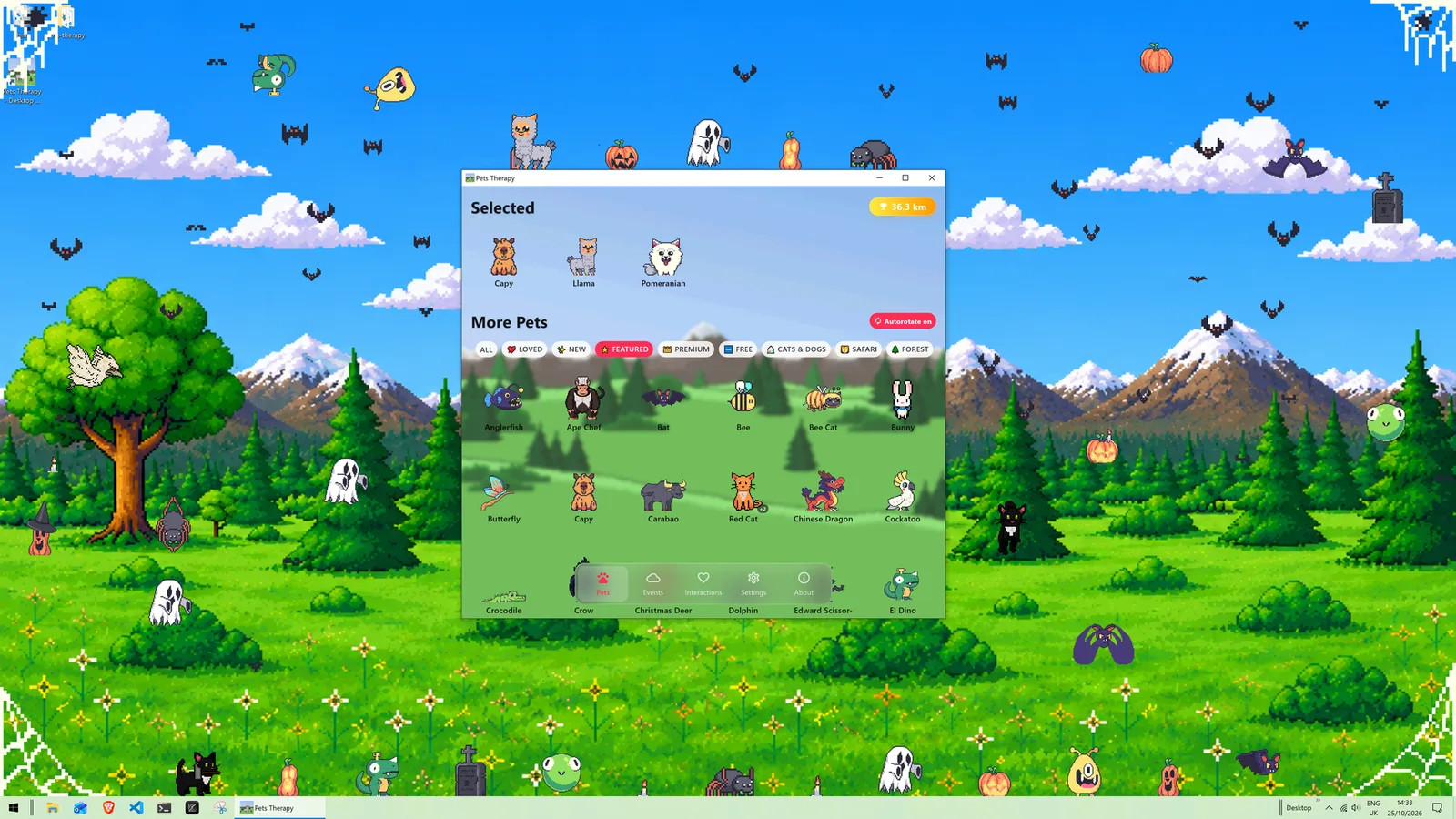
| 🎃 Halloween | 🎄 Christmas | |
|---|---|---|
| Automatic dates | October 26 – November 2 | December 1 – January 6 |
| On the ground | 11 pieces: pumpkins, gourds, a grave, candles | 21 pieces: trees, snowmen, gifts, candy canes, stockings, a wreath, gingerbread |
| In the corners | Cobwebs in all four | A blinking tree with presents in the bottom two |
| In the sky | Flocks of 7–12 bats | Santa's sleigh with six reindeer, dropping gifts |
| Theme pets | Spider and Ghost (free during the theme) | Christmas Deer and Penguin |
| Price | Free | Free |
How do seasonal themes work?
- Turning on: nothing to set up. A theme appears on its first day and goes away after its last.
- Any time of year: Settings → Theme decorations lets you pick a theme to keep on, or leave it on Seasonal (automatic).
- Arranging: the theme's button next to the More Pets heading opens a picker to add, remove and drag pieces, choose corners and restore the default. Layouts are saved per screen.
- Turning off: "Hide decorations" in the menu bar or tray hides the theme for the rest of the season.
Want your desktop to change with the time of day too? See live wallpapers and the Mac screensaver.